Machine Learning
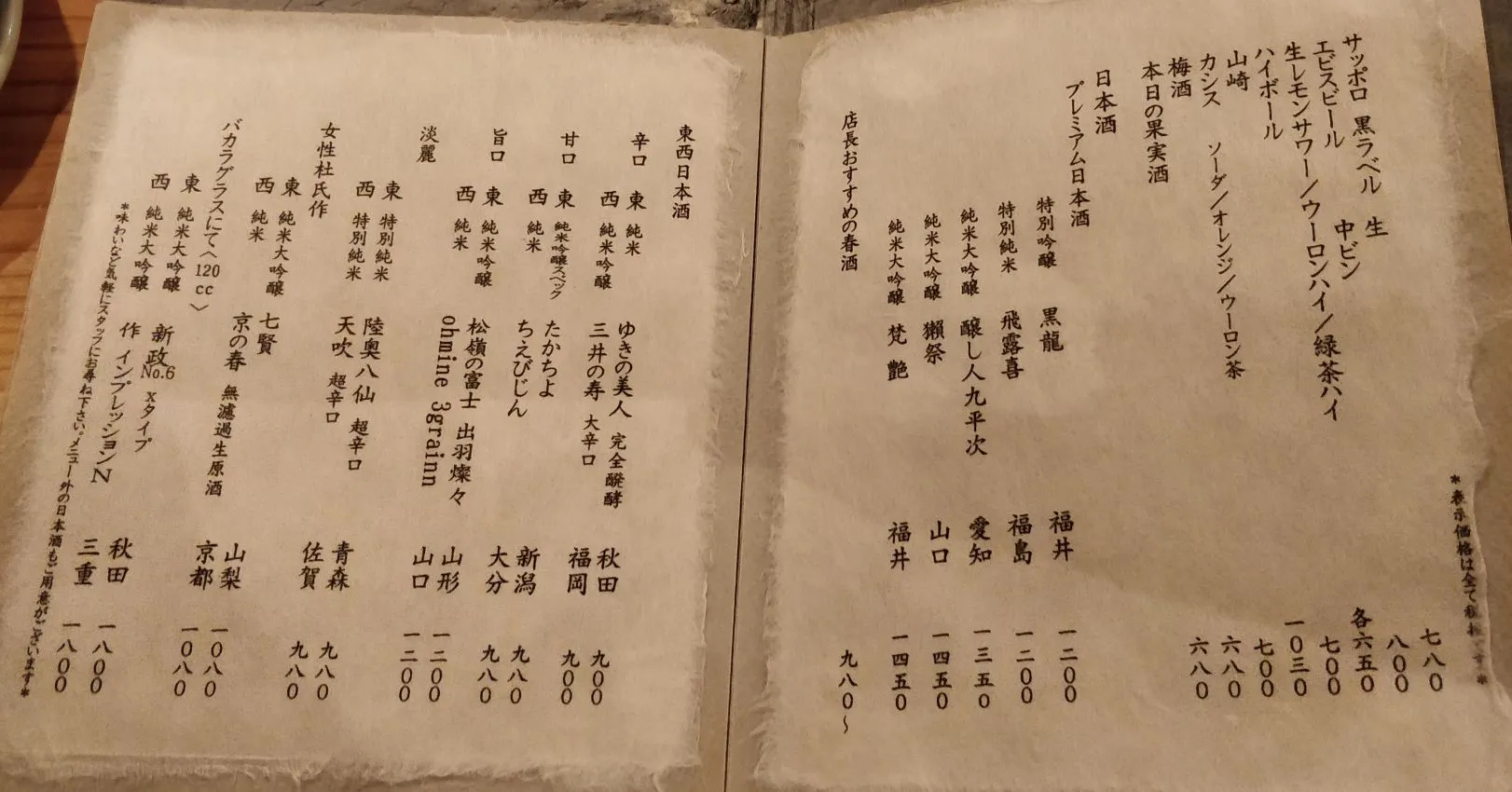
Image Credit: Mark Evans
Between 2017 and mid-2019 I spent evenings teaching myself deep learning with a practical goal: photograph a Japanese restaurant menu and read the text automatically. The path went MNIST / notMNIST practice, a large synthetic-font character CNN, a crop-and-predict web demo, then a sequence model (CRNN + CTC) that could read whole menu lines.
Work finished with the June 2019 OCR package (ml_ocr_20190609), so this post is dated to that milestone.
Motivation
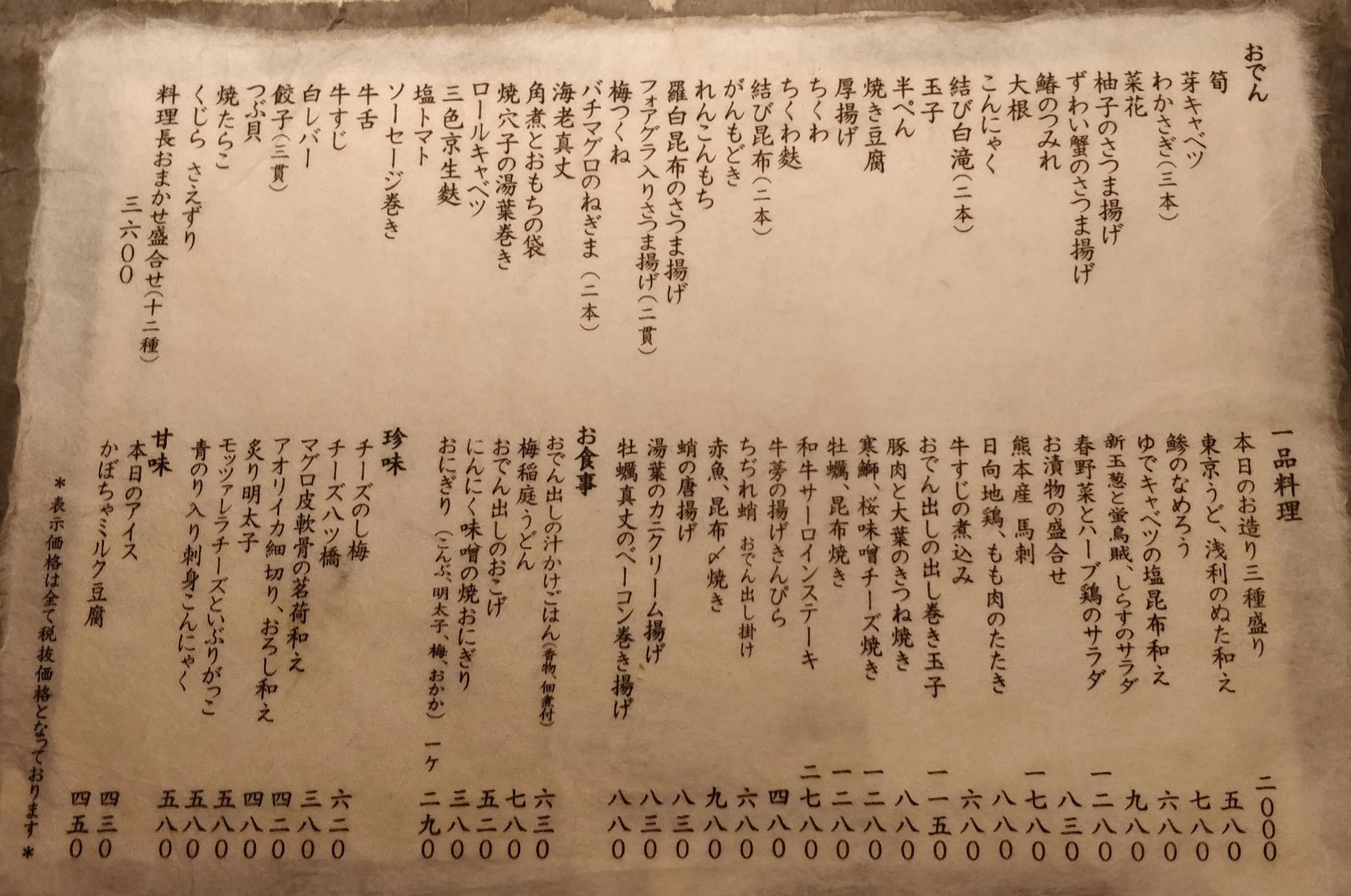
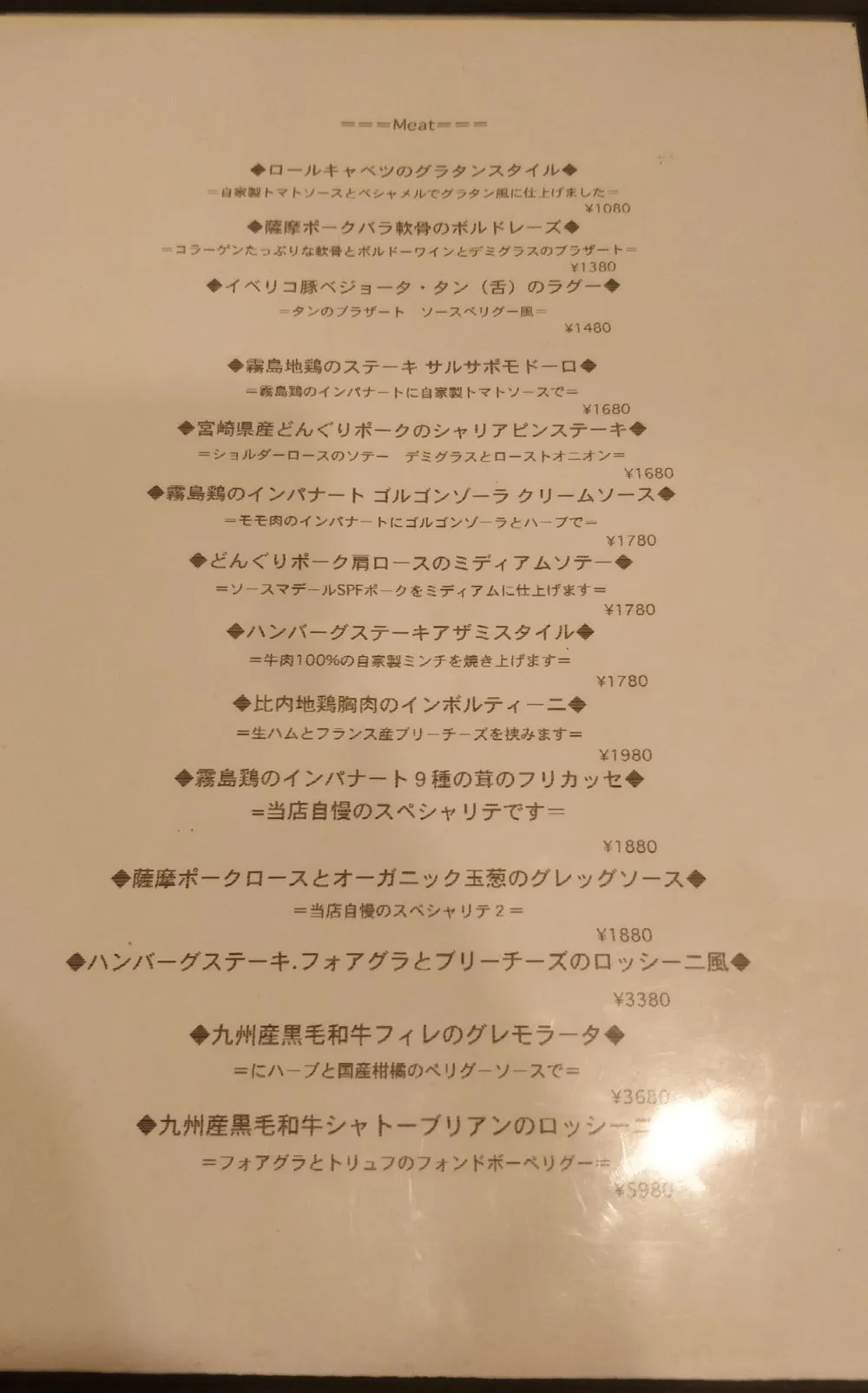
Tokyo menus mix kanji, kana, Latin letters, and prices on textured paper, often with vertical layout. Commercial OCR exists, but I wanted to understand every stage — data, training, inference UI — on hardware and notebooks I controlled (mostly Keras / TensorFlow on an AWS Ubuntu box).
Stage 1: MNIST and notMNIST
I started with the usual ladders:
- notMNIST letter classification (Udacity-style notebook) for pipeline practice
- MNIST MLP: Flatten → Dense(512, ReLU) → Dense(10, softmax), 5 epochs, batch 128 → about 97.95% test accuracy
- MNIST CNN experiments with
ImageDataGeneratoraugmentation on Keras 2.2 / TensorFlow 1.8
Those runs were mainly to get comfortable with AWS notebooks, checkpoints, and TensorBoard before scaling the label space.
Stage 2: Synthetic Japanese character CNN
Japanese print needs thousands of classes. Instead of hand-labeling photos, I rendered glyphs from TTF fonts (including TakaoMincho / TakaoGothic and other Japanese faces) into a charset file covering ASCII, kana, and school-kanji ranges — 2,533 classes in the later training scripts.
Architecture (kanji_covnet-20180912_v2)
| Item | Value |
|---|---|
| Input | 32×32×1 grayscale |
| Classes | 2,533 (softmax) |
| Conv stack | 3× Conv2D(128, 3×3) → pool → 3× Conv2D(256, 3×3) → pool → Dropout(0.2) → Dense |
| Optimizer | Adam, learning rate 0.00025 |
| Loop | Per-font passes, 5 epochs, steps_per_epoch=1000, batch 64 |
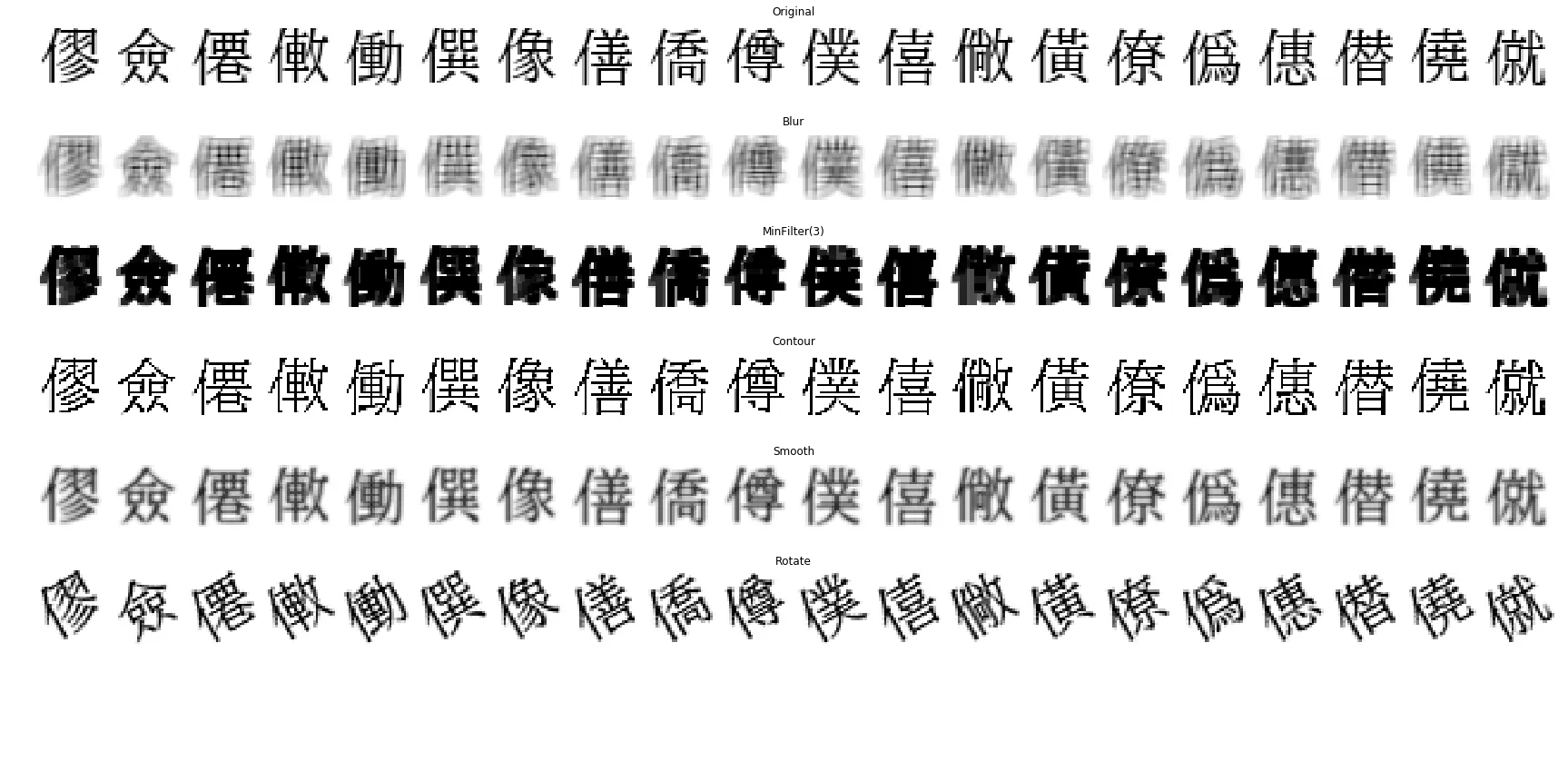
Characters were drawn at multiple pixel sizes (roughly 16-40 px) then resized to 32×32 so the net saw stroke-width variation. Training used heavy ImageDataGenerator transforms (rotation, shear, shift, zoom, brightness) plus speckle noise so clean digital fonts would transfer better to camera shots.

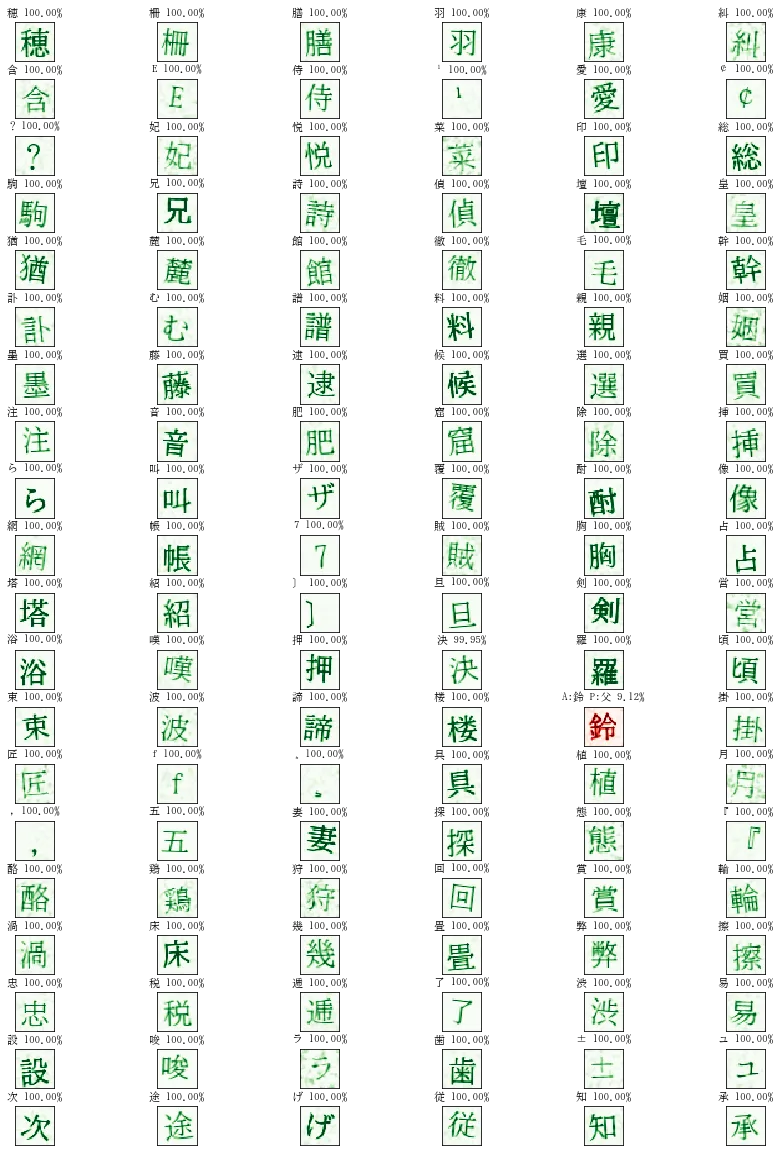
Results on clean fonts
A validator notebook against TakaoMincho renders of all 2,533 classes showed on the order of ~98% top-1 (roughly forty mismatches). Typical failures were lookalikes: 0 vs O, small kana vs full-size forms, へ vs ヘ. On clean glyphs the model often reported near-100% confidence.
The interactive Flask path later switched to a deeper 28×28 variant (model_024, March 2019) with batch norm in the stack, still targeting 2,533 classes.
Stage 3: React + Flask sliding-window demo
Single-character classification alone is not menu OCR. I wrapped inference in:
- A React front end (Fabric.js canvas) to crop a line of text from a menu photo
- A Flask API (
/api/predict/) that slid a window across the crop, scored each 28×28 patch, and returned top-5 character hypotheses
That made it easy to inspect peaks while walking along a line (for example confidence spikes when the window centered on 東).
Sliding-window classification worked for demos but struggled with variable spacing, thin punctuation, and connected layout — which pushed the next step.
Stage 4: CRNN + CTC line OCR (June 2019)
The final package (ml_ocr_20190609) treats each cropped line as a sequence:
| Item | Value |
|---|---|
| Framework | TensorFlow 2.0.0-beta0 |
| Input | 1024×32×1 |
| Model | CNN front-end → dual path (pool / stride) → BiGRU×2 (256) → Dense over charset → CTC |
| Charset | Extended list (~3,864 printable classes; CTC blank / padded class index space up to 4,000) |
| Weights | Separate horizontal and vertical sets (weights_horizontal.h5, weights_vertical.h5) plus SavedModel export |
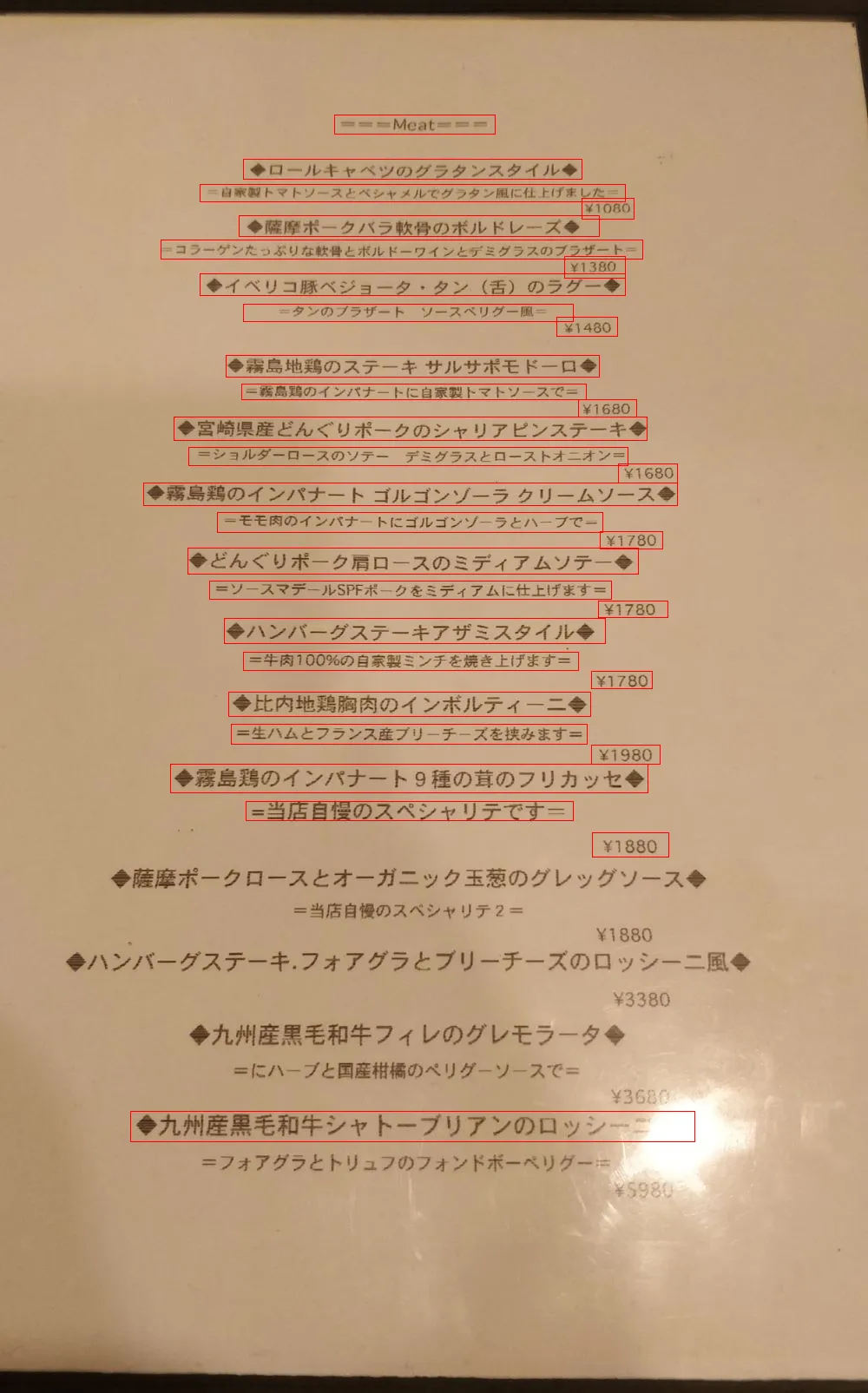
On real menu line crops (for example from the meat page below), many dish titles and prices matched exactly — dishes such as ◆薩摩ポークバラ軟骨のボルドレーズ◆ and prices like ¥1380. Typical slips were thin symbols (¥ → Y) and confusable katakana (ベ/ペ, パ/バ). Average processing time was about 357 ms per line in the prediction workbook.
What I took away
- Synthetic fonts + aggressive augmentation can get a multi-thousand-class Japanese classifier surprisingly far without labeled photos.
- Character CNNs are a stepping stone; menus need layout / line models (here CRNN + CTC) rather than only sliding windows.
- Error modes are linguistic: lookalike glyphs and punctuation dominate once the network is otherwise strong.
- Shipping a small React + Flask loop made training mistakes visible immediately on real restaurant photos.
This project stayed a personal lab notebook rather than a product, but it was the stretch that turned “run MNIST” into “read the menu I just photographed.”
Last modified: 30 Jul 2026